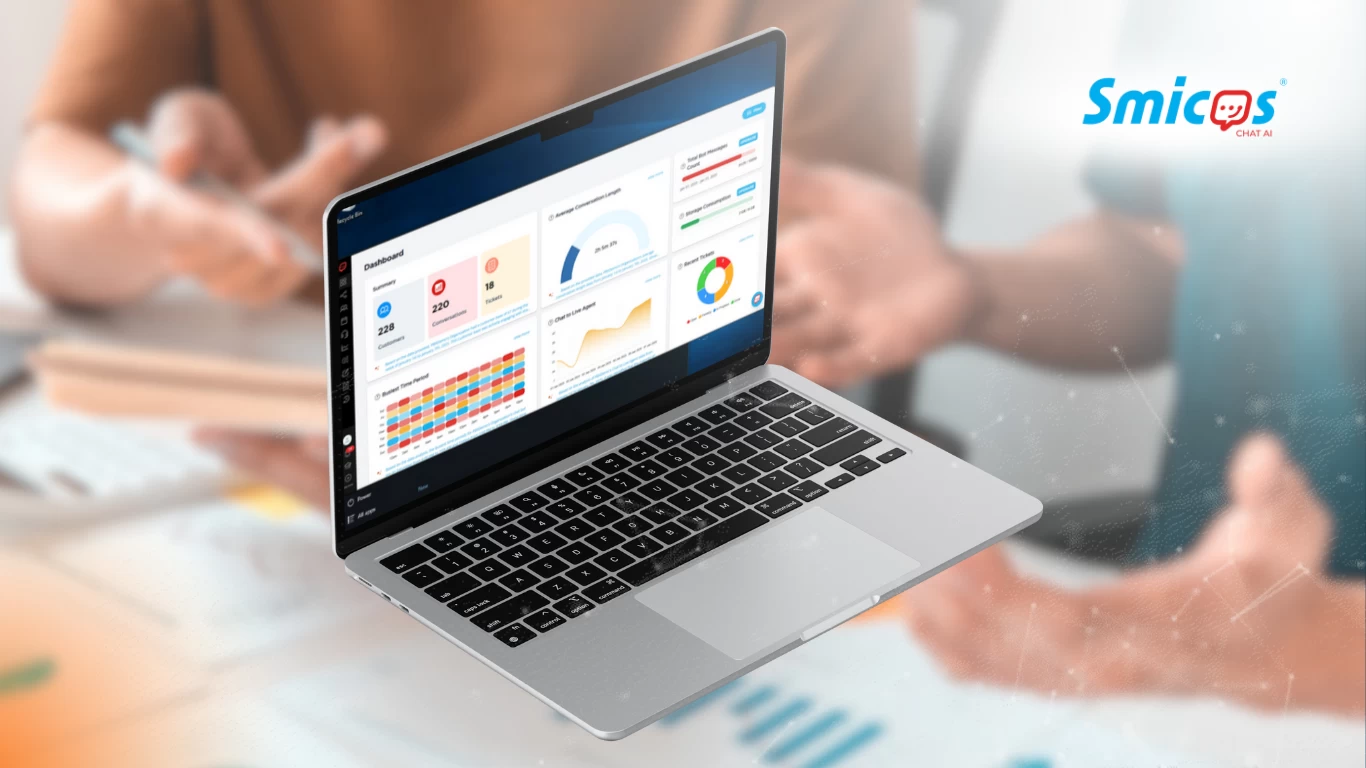
Looking for a quick and effective way to enhance customer interactions?
Smicos is an AI-powered chatbot built for businesses that want a seamless solution for handling inquiries, providing support, and driving engagement. With an intuitive setup that requires minimal technical expertise, Smicos can be integrated in just minutes. The outcome means better customer service without delays or complex configurations for your business.
Providing a better customer experience is now easy with Smicos.
In this article, we’ll take a look at how Smicos streamlines chatbot integration, its key features, and the benefits it brings to businesses aiming for efficient and responsive customer communication.

Why Choose Smicos for Your Business?
Not all businesses have the resources to build and maintain a chatbot from scratch, which is why Smicos is built for simplicity.
- No coding required: Perfect for companies without dedicated tech teams.
- User-friendly interface: Setting up and personalizing the chatbot is straightforward.
- Multi-platform compatibility: Works on websites, social media, and messaging apps.
With Smicos, businesses can quickly implement AI-driven customer support without dealing with complicated programming or long integration times.
Step-by-Step Guide to Integrating Smicos
1. Open Smicos & Access StoryMaker
After signing up and logging in, navigate to the side panel on the Smicos platform. Select StoryMaker, where you’ll create your chatbot’s flow.
2. Customize Your Chatbot
In StoryMaker, you have two options:
- Smicos Wizard – Answer a few questions to generate a customized chatbot template.
- Create My Own – Build your chatbot from scratch or use a pre-made template.
Once your chatbot is set up, click the save button in the upper-right panel. Enter a title and confirm the save.
3. Integrate with Your Preferred Platforms
Click Integrations in the dashboard. If you haven't connected any platforms yet, click on Add Integration and adhere to the instructions to link a new platform. Otherwise, choose from the available platforms and log in with your credentials.
Example: Smicos x Viber Integration
Smicos will automatically handle the connection. Once the integration is complete, check your Viber account to confirm the setup.
4. Test & Launch
Before going live, run a quick test to ensure the chatbot functions as expected. Make final adjustments if needed, then activate your chatbot to start engaging with customers.
The Business Benefits of Smicos Integration
Smicos offers several advantages that can help businesses optimize their customer interactions and support processes.
- Time-Saving – Automates responses to frequently asked questions, reducing manual workload.
- Improved Engagement – Provides instant replies, leading to higher customer satisfaction and retention.
- Scalability – It handles growing customer demands without the need for additional staff, making it ideal for businesses of all sizes.
Get Started with Smicos Today
Integrating Smicos is simple and requires no technical expertise, making it an accessible solution for businesses looking to enhance customer support. Its easy setup, multi-platform compatibility, and automation features help businesses save time while keeping customers engaged.
Enhance your customer interactions by signing up for a demo to discover how seamlessly Smicos can be integrated into your business.